The Canon MG3650s remains one of the most common inkjet multifunction printers in French households. When it refuses to print, displays a persistent error, or loses its Wi-Fi connection after a router change, resetting is the first step before considering a replacement. The procedure seems simple, but a frequent confusion between two types of resets leads to unnecessary actions, or even worsens the initial problem.
Wi-Fi Reset or Factory Reset on the Canon MG3650s: Two Distinct Procedures
Feedback from Canon support and independent repair technicians converge on one observation: the majority of users looking to reset their MG3650s confuse two very different operations. The network settings reset only affects the Wi-Fi profile (SSID, password, WPS mode). The machine settings reset, on the other hand, restores the entire configuration to its factory state.
This distinction matters because the causes of the malfunction are not the same. A connection problem after migrating routers (switching to IPv6, changing from 2.4 GHz to 5 GHz) only requires a network reset. Applying a factory reset in this case also erases print settings, scan preferences, and the administrator password, without resolving anything further.
If you need to reset a Canon MG3650s printer after a network change, always start with the Wi-Fi reset only. The factory reset should only be used as a last resort when the printer shows persistent software errors that a simple restart does not fix.
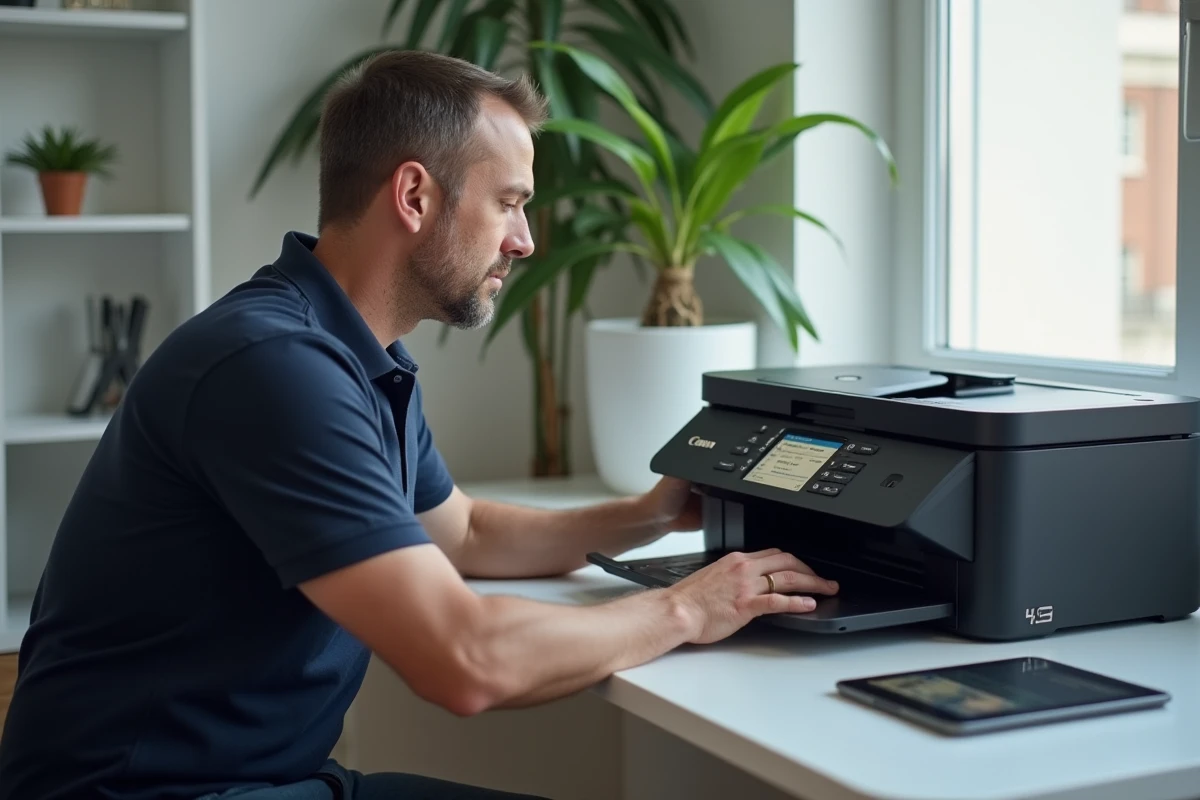
Network Reset of the MG3650s: Wi-Fi Button Manipulation
The MG3650s does not have a navigation screen. The entire procedure relies on the physical buttons and indicator lights on the control panel. For a network reset only, you need to use the Wi-Fi button located on top of the printer.
Steps for the Wi-Fi Reset
- Ensure the printer is powered on. The power indicator should be steadily lit, not blinking.
- Press and hold the Wi-Fi button until the power indicator blinks. Release it, then press the black button, the Wi-Fi button, and check that the Wi-Fi indicator blinks blue.
- The printer enters WPS detection mode or wireless connection mode. You can then restart the network setup from your computer or smartphone using the Canon software.
After this manipulation, only the network settings are erased. Print settings, language, and the administrator password remain intact. This is the appropriate procedure when your router has changed its SSID or broadcast channel.
Factory Reset of the Canon MG3650s: The Stop Button and 21 Blinks
The complete factory reset follows a different logic. The official Canon documentation for the MG3600 series indicates a precise manipulation: press and hold the Stop button, then release it when the Alarm indicator blinks white 21 times.
This counting is not trivial. Releasing too early triggers other maintenance functions (head cleaning, printing the configuration page). The 21 blinks specifically correspond to the complete initialization of the machine settings.
What the Factory Reset Actually Erases
Canon specifies that all machine settings are reset. The administrator password returns to its default value. Network settings are also deleted, meaning that the printer will no longer be connected to your Wi-Fi network after the operation.
For Windows users, reconnection requires the installation CD-ROM or downloading the software from the Canon website. On macOS, smartphone, or tablet, Canon directs users to its online instructions. In both cases, you must restart the network setup from the beginning, just like during the first installation.
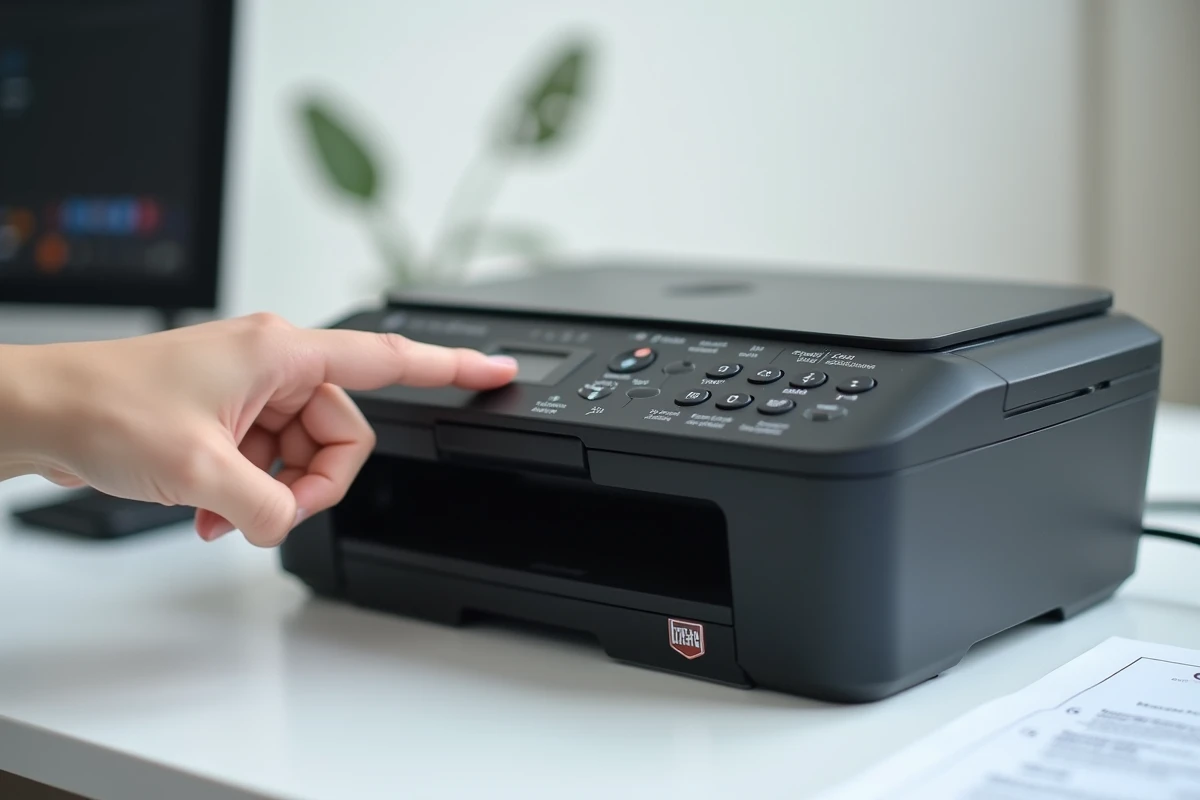
Persistent Problems After Reset: The Limits of Software Reset
The reset, whether network or factory, only fixes software malfunctions. If the printer still displays an error after a complete reset, the problem is likely hardware-related: clogged print head, stuck carriage, faulty electronic board.
On this point, the situation of the MG3650s deserves to be clearly stated. Since the implementation of the European regulation 2021/341 on eco-design and reparability, Canon has been more communicative about the availability of certain spare parts (print heads, power supplies). However, the MG3650s remains classified in a range where electronic boards are not guaranteed to be available over time by Canon or distributors.
Thus, software resetting often becomes the only official option before complete device replacement. This is not a flaw in the procedure; it is a structural limitation of the range.
Compatible Cartridges and Ink Counter
A particular case concerns compatible cartridges (non-Canon). The MG3650s uses a software counter to estimate ink levels. Some third-party cartridges do not reset this counter correctly, leading to a permanent error message. A factory reset does not resolve this issue since the cartridge counter operates independently of the machine settings. The solution then involves replacing the cartridge or performing a specific manipulation related to the type of cartridge used.
Wi-Fi Connection After Reset: Pitfalls Related to Recent Routers
After any reset affecting the network, reconnecting the MG3650s often poses problems with the latest generation routers. The reason lies in the frequency band: the MG3650s only connects at 2.4 GHz. Recent routers often default to a mixed 2.4/5 GHz mode with a single SSID, which can prevent the printer from detecting the network.
- Check in your router’s interface that the 2.4 GHz band is active and identifiable separately, or that compatibility mode is enabled.
- If your router has migrated to IPv6, the MG3650s should remain compatible via the WPS connection protocol, but some field reports indicate detection failures.
- In case of persistent failure, a temporary USB connection allows you to force the network configuration via the Canon software on your computer.
The MG3650s was designed for a simpler network environment than that of current routers. When the reset is not enough to restore the connection, the problem rarely lies with the printer itself, but rather in the router’s configuration.